With the development of intelligent manufacturing and Industry 4.0, 3D printers, as an important tool of digital manufacturing, are gradually changing from stand-alone devices to networked intelligent devices. Connecting a 3D printer to the network can not only realize remote control and monitoring, but also improve printing efficiency, ensure data security and support multi-device cooperation. This paper will introduce several common ways and advantages of 3D printers connecting to the network in detail.
I. Wired network connection
The most basic and stable connection mode is wired network access. Most 3D printers supporting networking are equipped with Ethernet interfaces, and a stable network connection can be obtained by directly connecting routers or switches through network cables. This method is suitable for fixed printing environments such as offices and laboratories, and has the advantages of stable transmission and low delay, and is suitable for long-term and large-scale printing tasks.
In the setting process, users need to enter the printer's system setting interface (usually through the local touch screen or PC-side software), select the network setting option, enter the IP address in the local area network or choose to automatically obtain the IP address. After setting up, you can access and control the 3D printer through other devices in the local area network.
Second, wireless Wi-Fi connection
With the popularity of wireless technology, more and more 3D printers support Wi-Fi connection. This method gets rid of the shackles of network cables and is suitable for mobile scenes such as family, education and maker space.
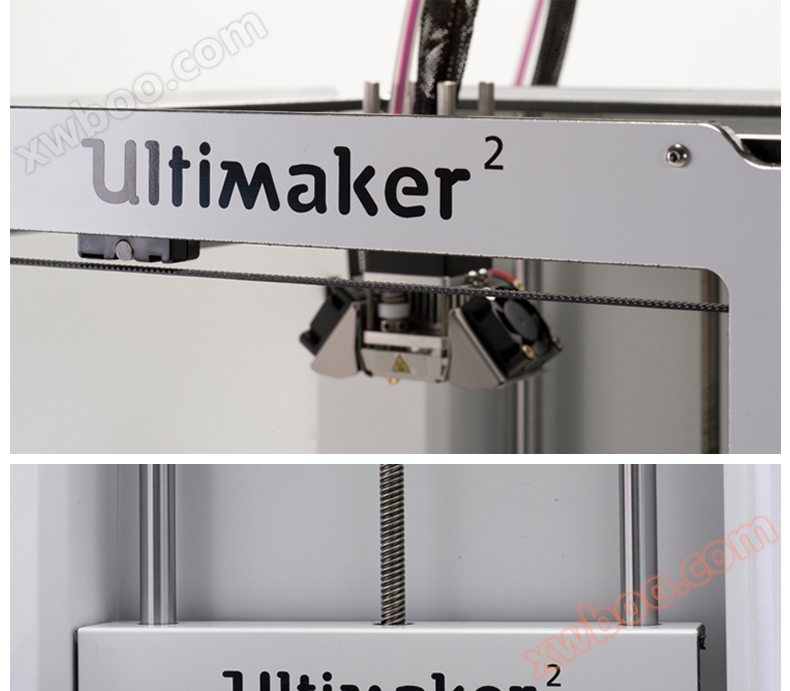
The connection steps are usually as follows: Select the Wi-Fi function in the printer's setup menu, search for available networks and enter a password to connect. After the connection is successful, users can remotely send printing tasks, monitor the printing progress and even view the real-time pictures taken by the camera through computers, mobile phones or tablets under the same network.
Third, cloud platform access
Some high-end 3D printers can be connected to the cloud platform or through additional modules (such as OctoPrint) to achieve more advanced remote management functions. For example, users can access printers through the Internet, realize cross-regional control, check the printing status at any time, receive the notification of printing completion, and even upload model files to start printing directly.
In addition, the cloud platform can also provide printing history, equipment status monitoring, fault diagnosis and other services, which greatly improves management efficiency and ease of use.
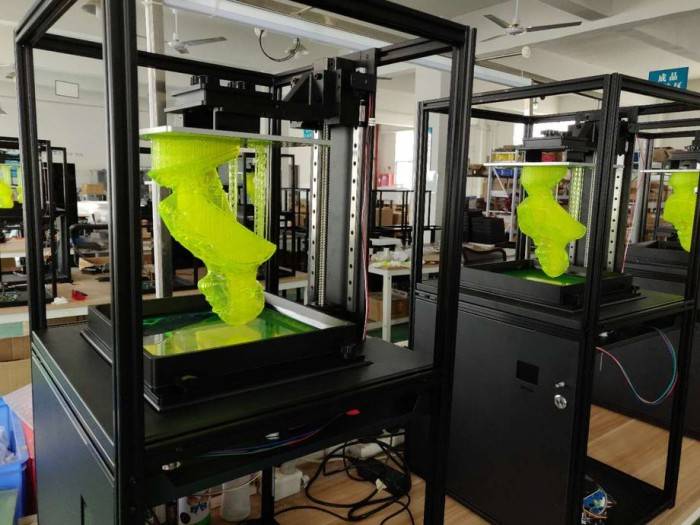
Fourth, Bluetooth and LAN collaborative control
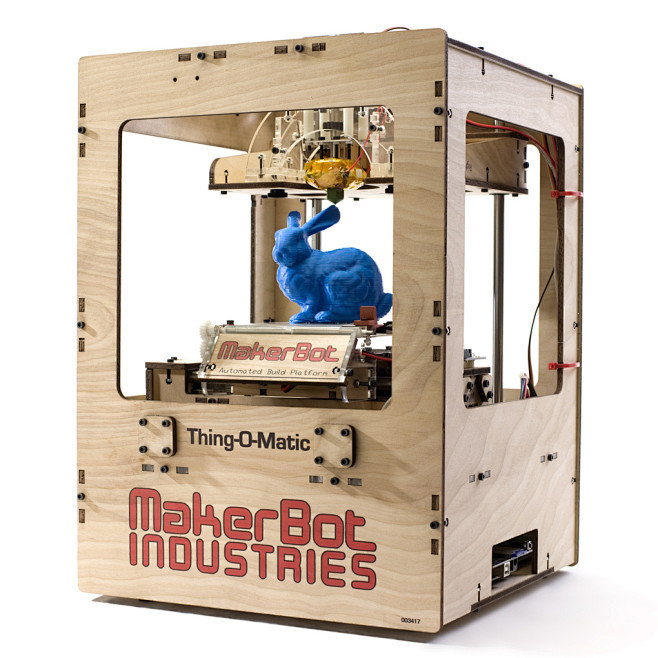
For some small desktop 3D printers, manufacturers may use Bluetooth for short-distance connection, which is mainly used for pairing devices or transmitting a small amount of data. However, Bluetooth transmission rate is low, and it is usually only used as an auxiliary means. The main printing task still depends on SD card or LAN.
tag
Connecting 3D printers to the network is an important step towards intelligent manufacturing. Whether it is accessed through wired, wireless or cloud platform, the networking function greatly expands the application boundary of 3D printing and improves the efficiency and flexibility of equipment. In the future, with the further integration of Internet of Things, artificial intelligence and other technologies, 3D printers will realize more intelligent and efficient remote collaborative printing, bringing more possibilities for industry, education, medical care and other fields.

 Hotline:18914229323

 18914229323
 huichangwen@126.com